
Editorial • guide
Getting Started with Game Server Hosting
A beginner-friendly path from choosing a game to launching, testing, and listing your first server.
Start with the smallest reliable server you can operate
Game server hosting is simpler when you separate the problem into five decisions:
- Which game and server software you want to run
- Where the machine will live
- Which ports players need to reach
- How you will update, back up, and restart it
- How players will discover and trust it
Your first server does not need a complex control panel or a perfect automation stack. It needs a repeatable install, a known port list, enough upload bandwidth, and a way to recover if a config change breaks the launch.
For a small friend group, home hosting can be enough. For a public community, start thinking earlier about uptime, backups, DDoS exposure, moderation, and who can restart the server when you are away.
Beginner target
Your first milestone is not a huge community. It is one stable session where a player outside your machine can connect, play, disconnect, and reconnect after a restart.
First decision
Pick the hosting path that matches your risk
Most first servers fit one of these patterns.
Option | Best for | Watch out for |
|---|---|---|
Home hosted | Friends, testing, learning the basics | Upload speed, router setup, power outages, public IP changes |
VPS or dedicated machine | Linux-friendly admins who want control | You own patching, security, backups, and monitoring |
Managed game host | Fast launch with less maintenance | Less low-level control and recurring monthly cost |
A practical launch checklist
Use this order before inviting players:
- Install the server into its own folder
- Document the game version, server version, and launch command
- Set a clear server name, password, and admin credential if the game supports them
- Decide the public port or port range
- Allow the server through the local firewall
- Forward the router ports if the server is behind home NAT
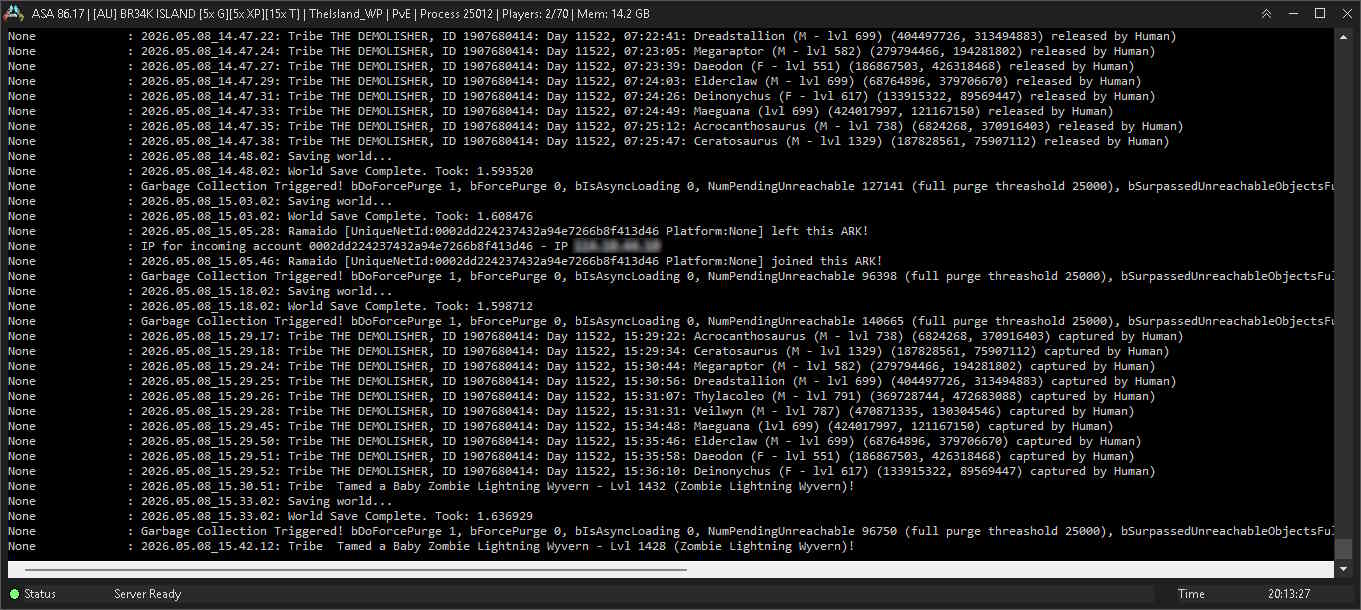
- Test from a different network, such as a phone hotspot
- Back up saves and config before the first real session
If the server is visible locally but not from the internet, the problem is usually port forwarding, firewall scope, a changed local IP address, or carrier-grade NAT from the ISP.
Keep a tiny operations note
Create one note beside your server files that records the things you will forget during the next update.
Suggested file
D:\GameServers\MyServer\SERVER-NOTES.md
- Game/server version
- Launch command
- Ports and protocol
- Admin login location
- Backup folder
- Last successful update date
FAQ
Common questions
Should I start with home hosting or a paid host?
Use home hosting if you are learning or playing with friends. Use a VPS, dedicated box, or managed host when uptime, bandwidth, and public availability matter.
What should I test before sharing the server publicly?
Test a connection from outside your network, restart the server, verify saves persist, check firewall and port rules, and confirm you can restore a backup.
When should I list the server?
List it after the server can survive a restart and at least one external player has joined successfully. A stable first impression matters more than launching early.
Articles
More hosting articles



End of guide
Ready for the next setup step?
Once the server starts locally, move on to networking and firewall rules so real players can connect.
Article details
Author: Eps · Editorial Team
Published: 5/8/2026
Updated: 5/8/2026
Keep going
Feedback
Spotted a problem, outdated step, or missing command? Let us know and we will keep this guide accurate.
Rate this guide
Hover the stars to rate this article. Your rating is saved to your account for this page.
Click a star to leave a rating.